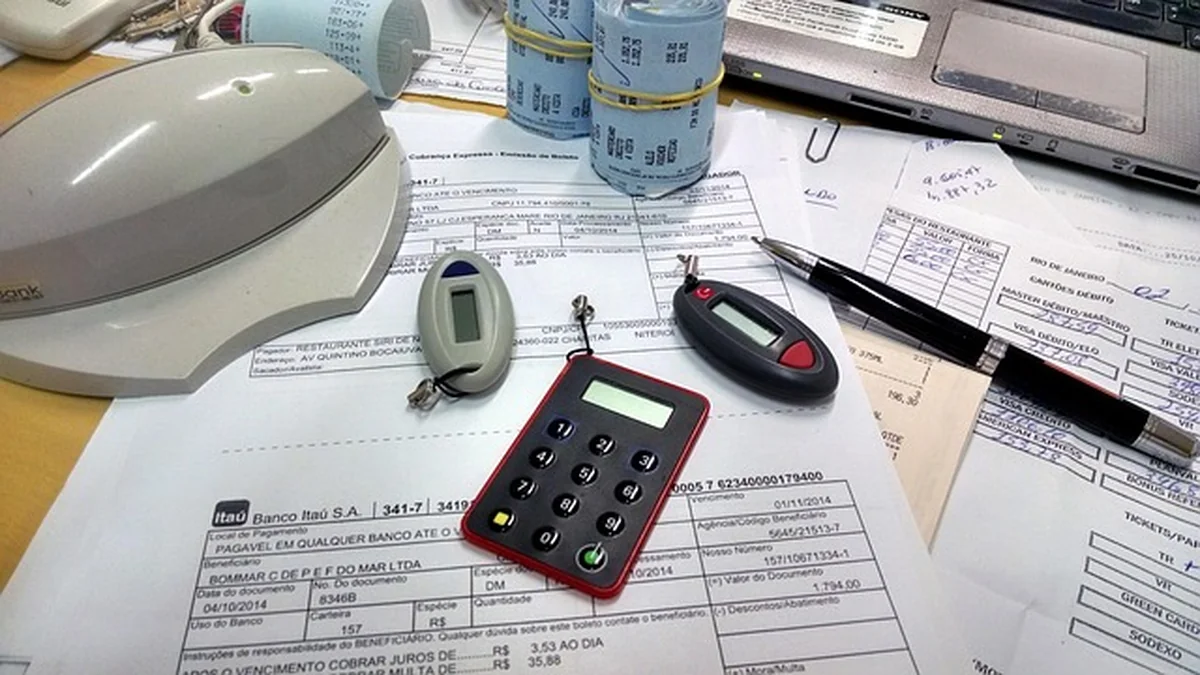
Freelancers face unique accounting demands: irregular income, deductible expenses, and time-sensitive invoices. The right software reduces manual work, improves cash flow, and supports accurate tax reporting. This guide evaluates best accounting software for freelancers in 2026, focusing on invoicing, expense capture, tax-ready reports and affordability.
What freelancers should prioritize when choosing accounting software
Selecting accounting software requires clarity on priorities. Key considerations include:
- Ease of use: Simple onboarding and clear dashboards.
- Invoicing and payments: Automated invoicing, client reminders, and online payments.
- Expense tracking and receipt capture: Mobile receipt scanning and automatic categorization.
- Tax support: Reports tailored for self-employed taxes and deductible expense summaries.
- Integrations: Bank feeds, payment processors, time-tracking and project management.
- Price and scalability: Affordable plans for solopreneurs with options to upgrade.
How pricing and features align with freelancer needs
Freelancers frequently prefer subscription plans with low monthly fees and pay-as-you-go payment processing. For many, integrated invoicing, receipt capture, and tax-ready reports are the most valuable features. Studies on small business software adoption show user preference for cloud-based, mobile-first solutions (AICPA).
Security, compliance and data ownership
Security matters. Choose platforms with strong encryption, two-factor authentication and clear data export options. For tax compliance, cross-check report formats against local tax authorities such as the IRS guidance for self-employed individuals.
Top accounting tools for freelancers in 2026: in-depth reviews
This section compares leading options by core features, cost, and ideal user.
QuickBooks Self-Employed — Best for tax-focused freelancers
- Strengths: TurboTax integration, Schedule C reports, mileage tracking, strong bank feeds.
- Weaknesses: Limited multi-currency support and small-business advanced features.
- Ideal for: Sole proprietors prioritizing tax reports and U.S. tax filing.
FreshBooks — Best for service-based freelancers
- Strengths: Intuitive invoicing, client portal, time tracking, strong receipt capture.
- Weaknesses: Accounting reports less robust than full bookkeeping platforms.
- Ideal for: Consultants, designers and service freelancers needing polished invoices.
Xero — Best for scaling freelancers who may hire help
- Strengths: Full double-entry accounting, payroll add-ons, extensive app marketplace.
- Weaknesses: Learning curve for users without accounting background.
- Ideal for: Freelancers expecting growth or working with an accountant.
Wave — Best free option for basic needs
- Strengths: Zero monthly fee for core accounting, invoicing and receipt scanning.
- Weaknesses: Payment processing and payroll have fees; limited customer support.
- Ideal for: Budget-conscious freelancers with simple finances.
Zoho Books — Best for integration and automation
- Strengths: Affordable, strong automations, native CRM and project integrations.
- Weaknesses: Payroll available only in select regions.
- Ideal for: Freelancers who use other Zoho apps or need automated workflows.
Comparative table: features, price and suitability (2026)
| Software |
Starting Price (monthly) |
Best Feature |
Mobile App |
Tax-ready Reports |
| QuickBooks Self-Employed |
$10 |
Schedule C & TurboTax sync |
Yes |
Yes |
| FreshBooks |
$15 |
Client invoicing & time tracking |
Yes |
Basic |
| Xero |
$13 |
Double-entry & apps |
Yes |
Yes |
| Wave |
$0 |
Free core accounting |
Yes |
Basic |
| Zoho Books |
$9 |
Automation & integrations |
Yes |
Yes |
Prices reflect typical entry plans in 2026; always verify current pricing on vendor sites.
Feature deep-dive: invoicing, expenses, taxes and automation
Invoicing and client management
Automation speeds payments. Best-in-class invoicing systems offer:
- Custom templates and automated late reminders.
- Client portals and recurring invoices.
- Payment links and integration with Stripe or PayPal.
FreshBooks leads in polished invoices and client communication, while QuickBooks Self-Employed emphasizes tax categorization.
Expense tracking and receipt capture
Mobile receipt scanning reduces manual entry. Key capabilities:
- OCR recognition and auto-categorization.
- Bank rule automation to group similar expenses.
- Mileage tracking for mobile freelancers.
Wave and Zoho Books provide competitive receipt capture for budget users.
Tax reporting and deductions
Freelancers need reports that summarize deductible expenses by category and prepare Schedule C data. Platforms that integrate with major tax filing services reduce filing errors. For up-to-date tax rules and deductions, consult the IRS small business resources.
Automation and integrations
Look for vendor ecosystems that connect to payment processors, time trackers, and invoicing. Integration with project management or CRM tools can centralize billing and time logs.
Data and trends for 2026: what matters to freelancers
Recent market trends show increasing adoption of cloud accounting and automated bookkeeping. Large accounting firms and industry analysts report higher demand for mobile-first financial tools among self-employed professionals (Forbes).
A 2024–2025 survey of small business technology adoption indicated that 62% of independent contractors prioritize integrated payments and tax features. Peer-reviewed studies on digital accounting adoption emphasize user trust and perceived ease of use as core drivers (see research on technology acceptance models; NCBI).
How to choose: checklist for freelancers
- Ensure the software exports common formats (CSV, QBO) for an accountant.
- Confirm mobile app reliability for on-the-go receipt capture.
- Prioritize solutions with automated tax categories and year-end summaries.
- Test bank connection stability and transaction matching.
- Evaluate total cost including payment processing and payroll.
Quick selection flow
- Identify must-have features (invoicing, tax reports, receipt capture).
- Test free trials and export functionality.
- Check reviews from freelancers in similar industries.
- Confirm customer support and data portability.
Frequently asked questions
Which accounting software is best for freelance beginners?
For beginners with tight budgets, Wave often provides the fastest path: free core accounting, simple invoicing, and receipt scanning. If tax-ready features are a priority, QuickBooks Self-Employed simplifies Schedule C preparation.
Can freelancers use business accounting software and personal accounts together?
Best practice separates personal and business finances. Many software platforms allow linking multiple bank accounts and tagging transactions, but using a dedicated business account improves clarity and tax compliance.
How much should a freelancer expect to pay per month?
Typical entry-level plans range from free to $15–$20/month in 2026. Add-ons like payroll or payment processing incur extra fees. Compare total cost of ownership including payment fees and accountant access.
Are there tools that combine time tracking and accounting?
Yes. FreshBooks, Zoho Books and Xero ecosystems offer integrated time tracking. Dedicated time trackers (e.g., Toggl, Harvest) integrate with most accounting platforms for accurate client billing.
Conclusion
Selecting the best accounting software for freelancers depends on priorities: tax reporting, professional invoices, or cost control. QuickBooks Self-Employed fits tax-focused freelancers, FreshBooks excels for service billing, Xero suits those planning growth, Wave is ideal for low-budget needs, and Zoho Books balances automation and price. Evaluate free trials, confirm integrations and prioritize platforms that offer reliable mobile receipt capture and exportable tax-ready reports for stress-free filing.
Legal note: This content provides general information and does not constitute tax, legal or accounting advice. For personalized guidance, consult a licensed accountant or tax advisor and verify local tax rules with official sources such as the IRS.